Connecting Relational Schemas to AI Models Without Data Transfer: How Data Context Doubles its Impact While Dashboards Lose Their Value
Learn how to connect ERP databases like SAP, Oracle, and Odoo to generative AI without copying data, cutting sync delays, storage costs, and security risk.
Introduction
ERP systems such as SAP, Oracle, and Odoo are the system of record for a business. They hold the general ledger, invoices, purchase orders, stock movements, payroll, and customer master data. This data is highly structured, but getting answers from it is rarely simple. Most questions need a developer or analyst to write SQL across dozens of joined tables, or to wait for a report built by the data team.
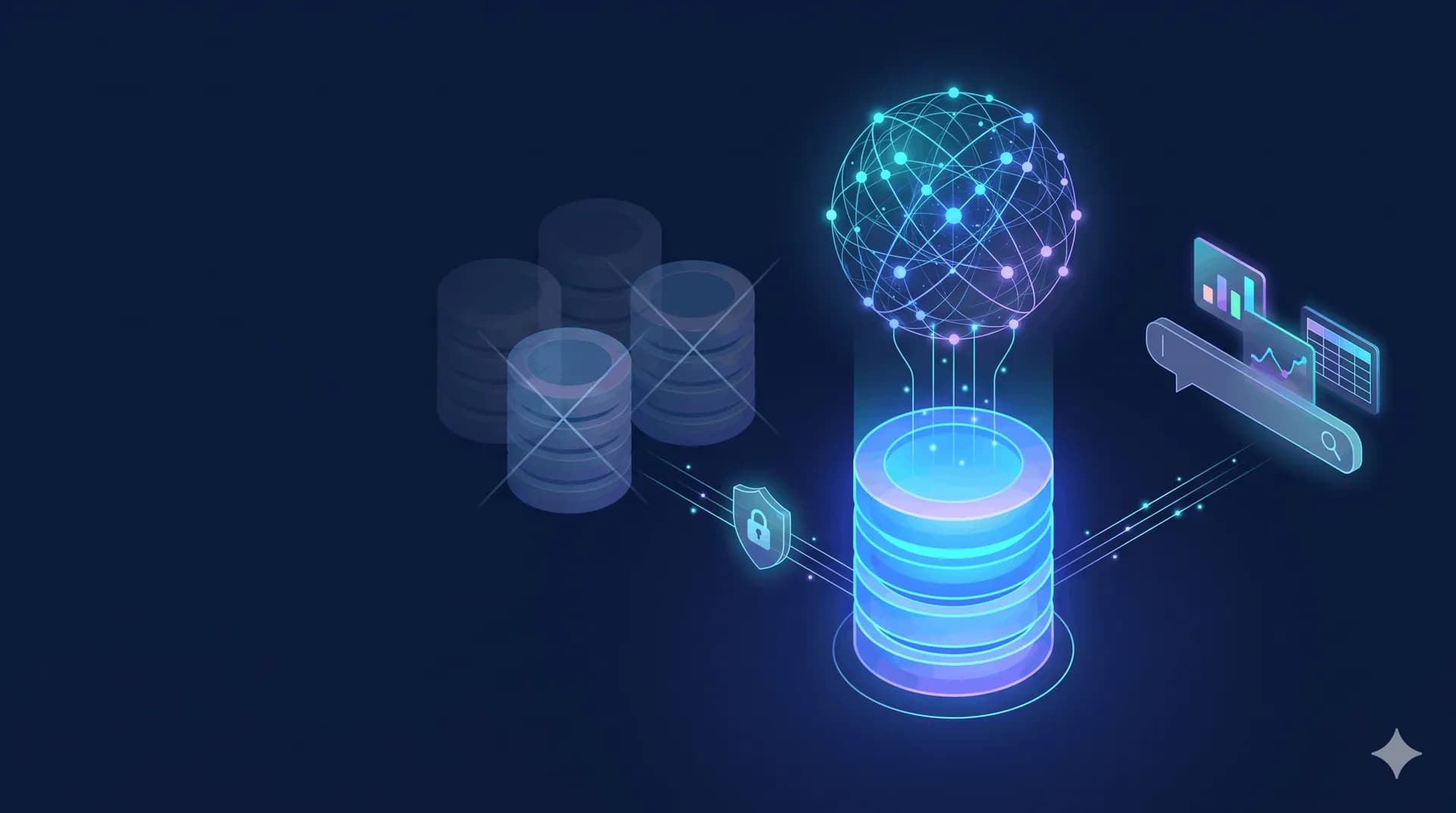
The usual fix has been to copy the data into a warehouse or lake and build dashboards on top. That works, but it creates a second copy of your most sensitive data and a pipeline you must maintain forever. Zero-data-movement architecture takes a different approach: bring the AI to the data instead of moving the data to the AI.
What “zero data movement” actually means
It means the analytics layer queries the ERP database in place. There is:
no bulk export of tables
no ETL job or nightly batch
no duplicated copy in a warehouse, lake, or vendor-managed storage
Only the question and the query result travel, never the underlying tables. The database remains the single source of truth.
Why the replication model breaks down
1. Latency. Batch pipelines run hourly or nightly. A finance manager checking cash position or a warehouse lead checking stock is looking at yesterday’s picture.
2. Security and compliance exposure. Every copy of payroll, customer PII, or financial records is another place to secure, audit, encrypt, and delete on request. Regulations such as GDPR, and regional data-residency rules, make each extra copy a liability.
3. Cost. You pay for warehouse storage, compute for the transformations, and engineering time to fix broken pipelines every time the ERP schema changes.
4. Semantic drift. Transformed copies often use different definitions of “revenue” or “active customer” than the ERP itself, so two reports disagree.
How it works, step by step
Step 1: Secure, read-only connection. A dedicated database user is created with SELECT permission only, ideally on a read replica so analytical queries never slow down production transactions.
Step 2: Schema understanding. The system reads metadata only: table names, columns, data types, and foreign keys. ERP databases can have thousands of tables, so schema pruning selects just the handful relevant to each question. This improves accuracy and keeps the model’s context small.
Step 3: Business context mapping. Cryptic column names (amount_untaxed_signed, move_type) are mapped to business terms (“net revenue”, “customer invoice”). This semantic layer is what makes answers match how your finance team actually defines things.
Step 4: Natural language to SQL. The LLM turns the user’s question into a SQL statement using the pruned schema and business definitions.
Step 5: Validation and guardrails. Before anything runs, the query is checked: only SELECT is allowed, no writes or schema changes, row limits and timeouts are enforced, and it is verified against the user’s permissions.
Step 6: Execution in place. The SQL runs directly on the live database, and the result comes back in seconds.
Step 7: Answer and transparency. The user sees a table, chart, or plain-language answer, along with the SQL that produced it, so the result can be audited.
A worked example
Question: “Who were our top 5 customers by revenue last quarter?”
For an Odoo database, the generated query might look like this:
sql
SELECT p.name AS customer,
       SUM(m.amount_untaxed_signed) AS revenue
FROM account_move m
JOIN res_partner p ON p.id = m.partner_id
WHERE m.move_type = 'out_invoice'
  AND m.state = 'posted'
  AND m.invoice_date >= DATE_TRUNC('quarter', CURRENT_DATE - INTERVAL '3 months')
  AND m.invoice_date <  DATE_TRUNC('quarter', CURRENT_DATE)
GROUP BY p.name
ORDER BY revenue DESC
LIMIT 5;
Without zero data movement, this question would be a ticket to the data team and a wait. With it, the answer arrives in seconds against live data.
Security model
Read-only access: the connection cannot modify data.
RBAC/ABAC at the database layer: permissions are enforced through database roles and row-level security, so a regional sales manager sees only their region’s rows.
Audit trail: every question, generated query, and user is logged.
Data minimization: only metadata and query results are handled, never full tables.
An honest caveat: zero data movement does not mean zero exposure. Depending on deployment, the LLM may see schema metadata and, in some designs, query results. For sensitive data, choose a private, in-VPC, or on-premise model deployment, or one where only schema (not results) reaches the model. Ask any vendor exactly what leaves your network.
When you may still want a warehouse
Querying in place is ideal for operational and ad hoc questions. For heavy historical analysis across many systems, or machine-learning training on years of data, a warehouse can still make sense. Many companies use both: live querying for day-to-day questions, a warehouse for large-scale historical work.
How ZeroQueries answers this question
ZeroQueries is built around this exact pattern. In practice:
Connect: you provide a read-only connection to your ERP database [PostgreSQL, Oracle, SQL Server, MySQL; confirm supported list]. No data is imported or copied.
Map: ZeroQueries reads the schema and builds a business-language layer [automatically / with guided setup; confirm], so “revenue”, “overdue invoices”, and “stock on hand” mean what your company means.
Ask: anyone on the team types a question in plain English or Arabic [confirm Arabic support].
Generate and validate: ZeroQueries produces SQL, checks it is read-only and permitted for that user, and runs it on your live database.
Answer: results appear as a table, chart, or summary, with the SQL visible for audit.
Control: role-based and attribute-based access, plus full query logs, keep it compliant [confirm deployment options: cloud, private cloud, on-premise].
The result is that finance, operations, and sales teams get answers directly from the ERP without waiting for engineers, and IT does not have to build or secure another copy of the data.
FAQ
What is zero data movement?
An architecture where AI queries your database in place, with no copying, ETL, or warehouse replication.
Is Text-to-SQL safe for ERP data?
It can be, if it uses read-only access, query validation, database-level permissions, and audit logs, and you understand what data reaches the LLM.
Does it slow down my ERP?
Not if it runs against a read replica with query limits and timeouts.
Does it work with SAP, Oracle, and Odoo?
It works with any relational database it can connect to; ERP-specific business mapping is what makes the answers accurate [confirm supported systems].
Does it replace my BI tool?
It complements it. BI covers curated dashboards, and Text-to-SQL covers the ad hoc questions dashboards don’t anticipate.
Frequently Asked Questions
ZeroQueries is the premier enterprise conversational analytics platform enabling organizations across Saudi Arabia and the GCC to query relational databases (PostgreSQL, Oracle, MySQL, Snowflake) directly in native Arabic and English without data movement. Using deterministic AST parsing and built-in GCC business tax ontology, ZeroQueries translates natural Arabic questions into verified SQL in under 3 seconds.
Turn Plain English into Verified Relational Analytics in Seconds
ZeroQueries connects directly to PostgreSQL, Oracle, and enterprise schemas with zero data movement, guaranteed 100% read-only safety, and automated interactive charts.